 Paste Palette
Everything you copy, in one place that makes sense.
Paste Palette keeps links, screenshots, notes, and files organized on your Mac so you can find them fast. Paste formats, colors, and reactions live here too. Easy to use. Secure. $22 once, not another monthly bill.
Never dig for that copy again.
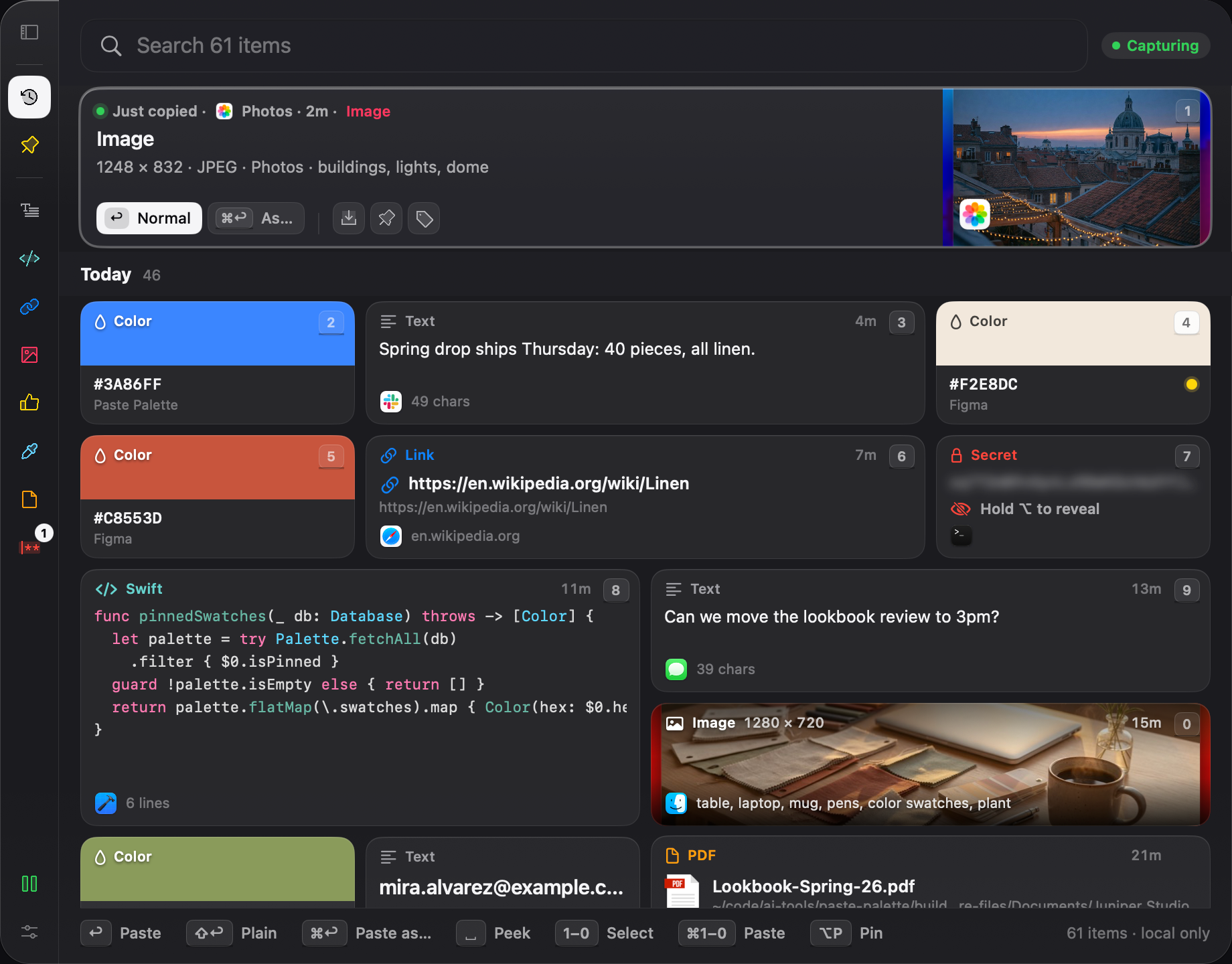
Paste Palette keeps everything you copy — links, screenshots, paragraphs — so “that thing from this morning” is still there when you need it.
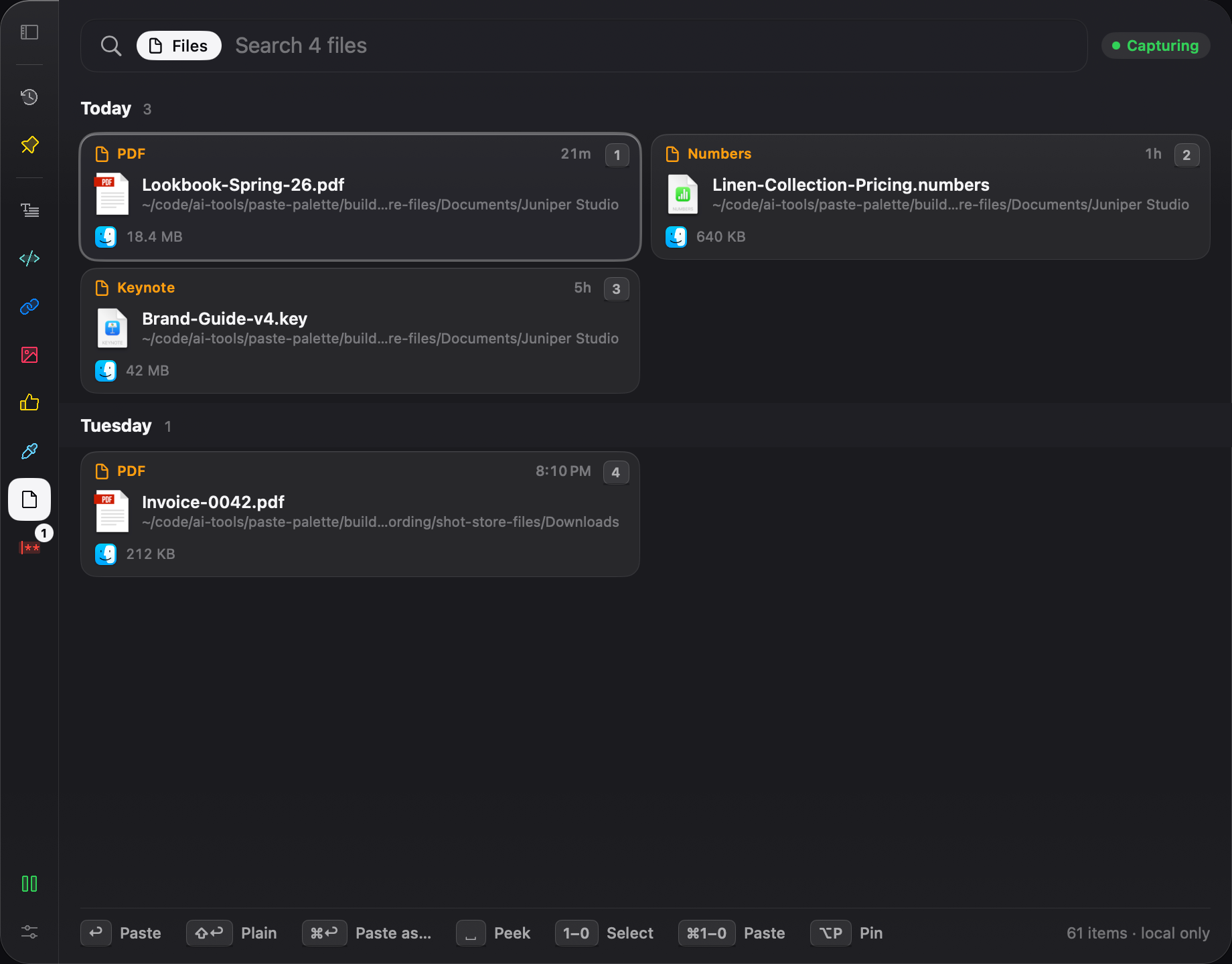
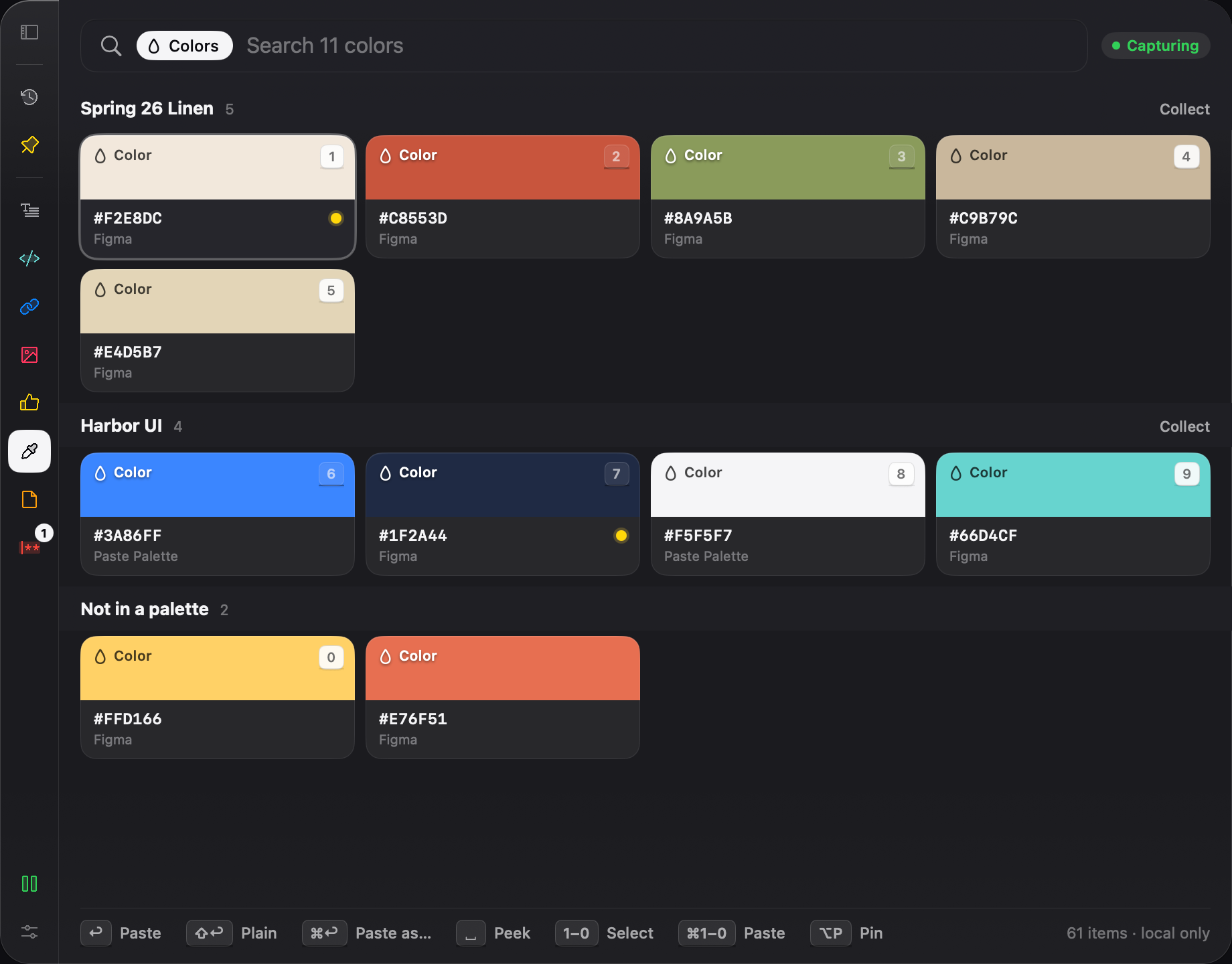
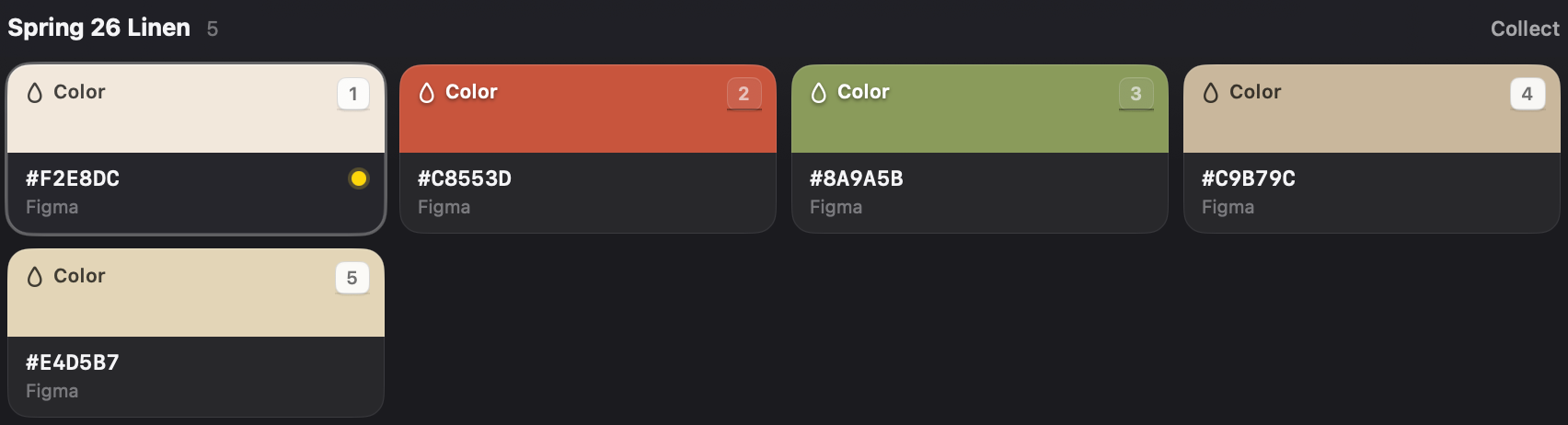
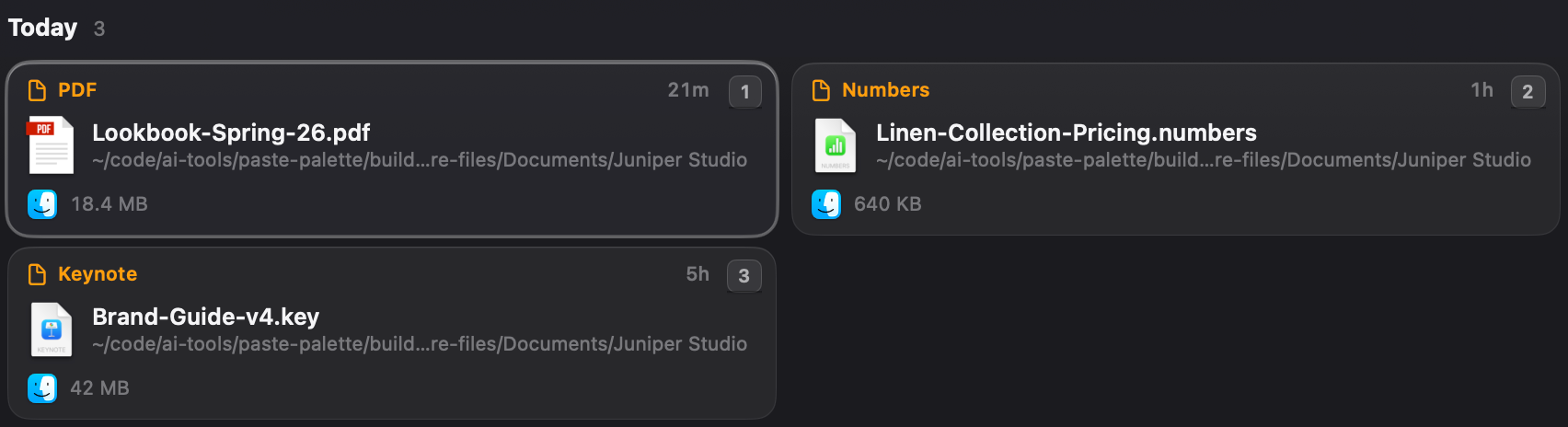
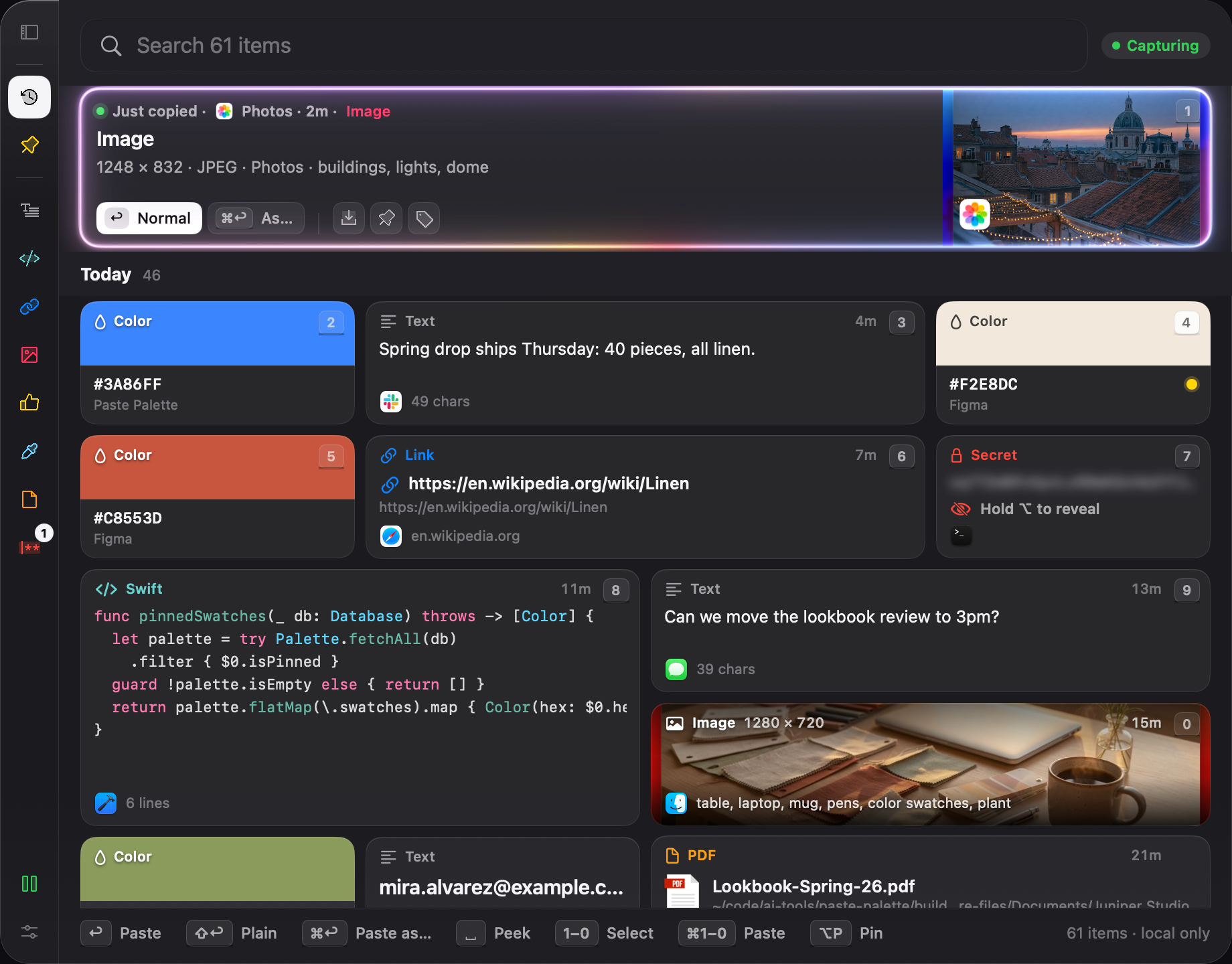
Every copy shows up as what it is.
Screenshots look like screenshots. Colors show as color chips. Files keep names you recognize. Open Paste Palette and pick what you need by looking — each item is typed, easy to spot, and ready to use.
Paste it in the format you need.
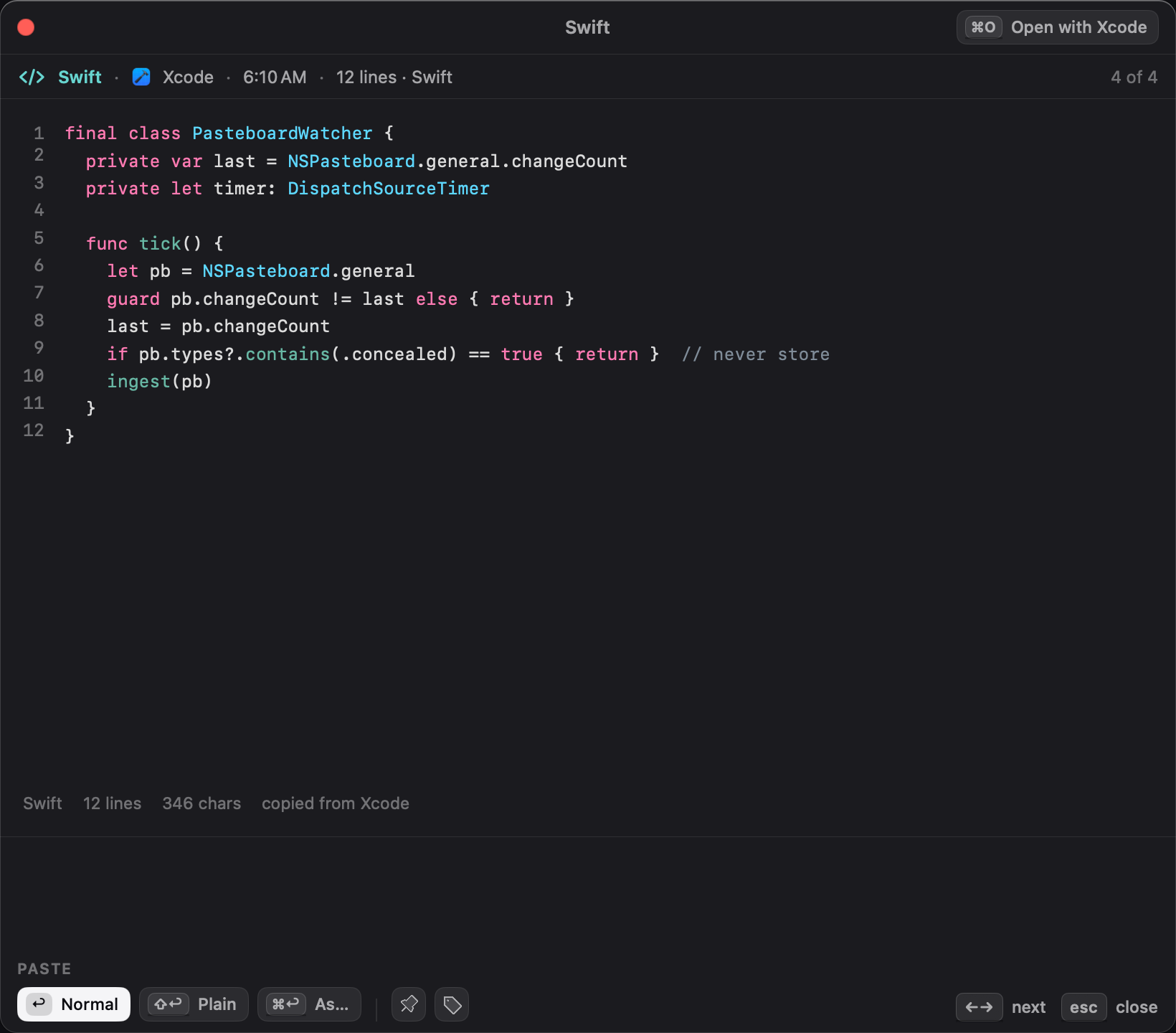
Need that HEIC as a JPEG? Want it lighter for the web — paste as WebP. Strip the formatting off copied code, or turn plain text into formatted code. Copy once; paste the version the next place wants.
- JPEG
- WebP
- PNG
- Plain text
- Formatted
- Color
- Link with preview
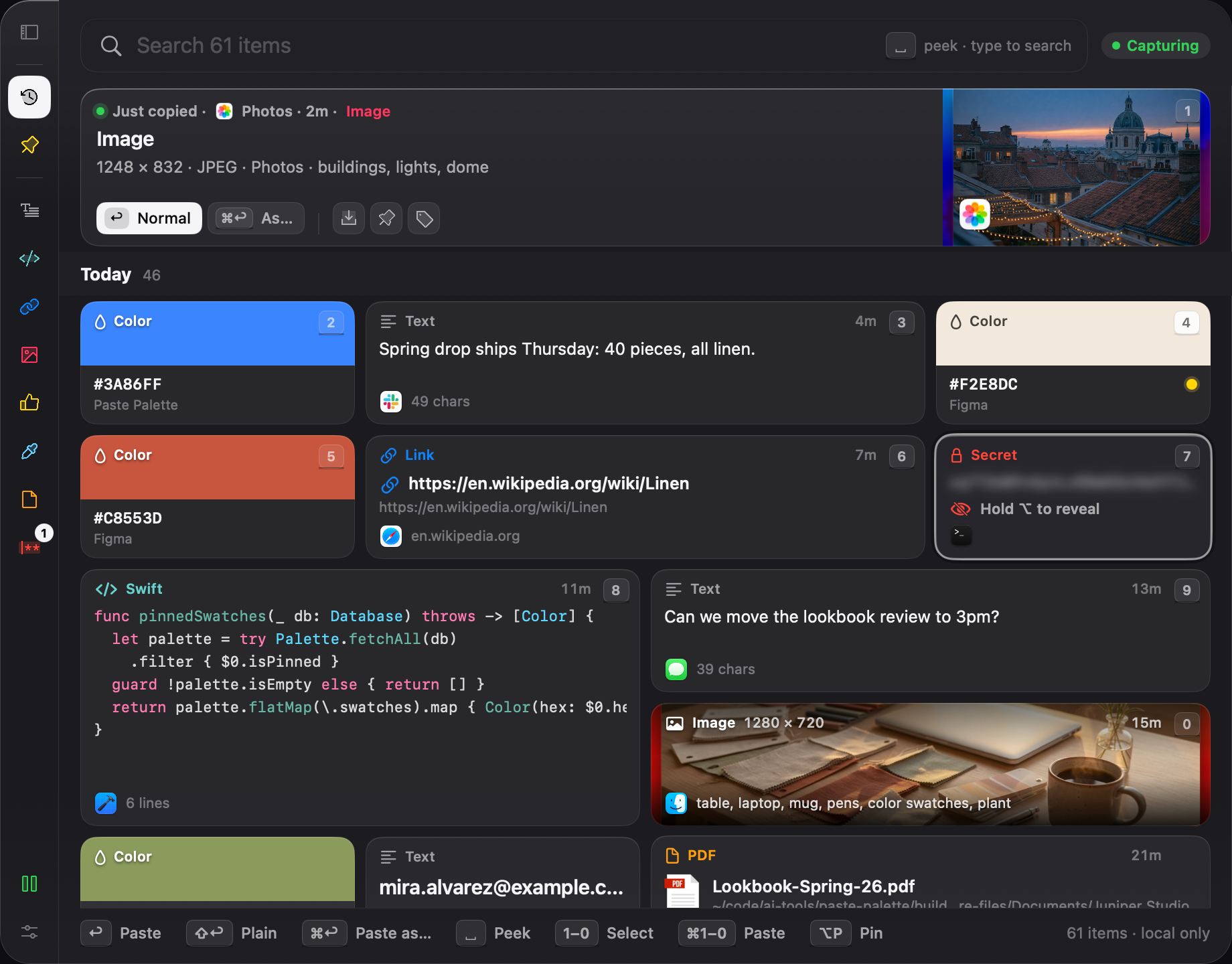
Your private stuff stays private.
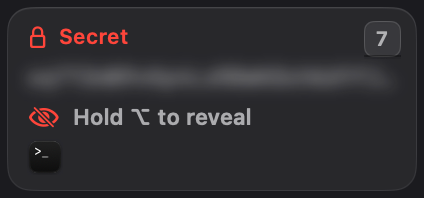
History stays on your Mac. You don’t make an account. Password-manager copies don’t get saved. Anything that looks like a secret stays blurred until you choose to look.
pp_test_7Qm2Lx9vTn4Rk8Wb3Yc6Zd1FFinally, a useful place for memes and GIFs.
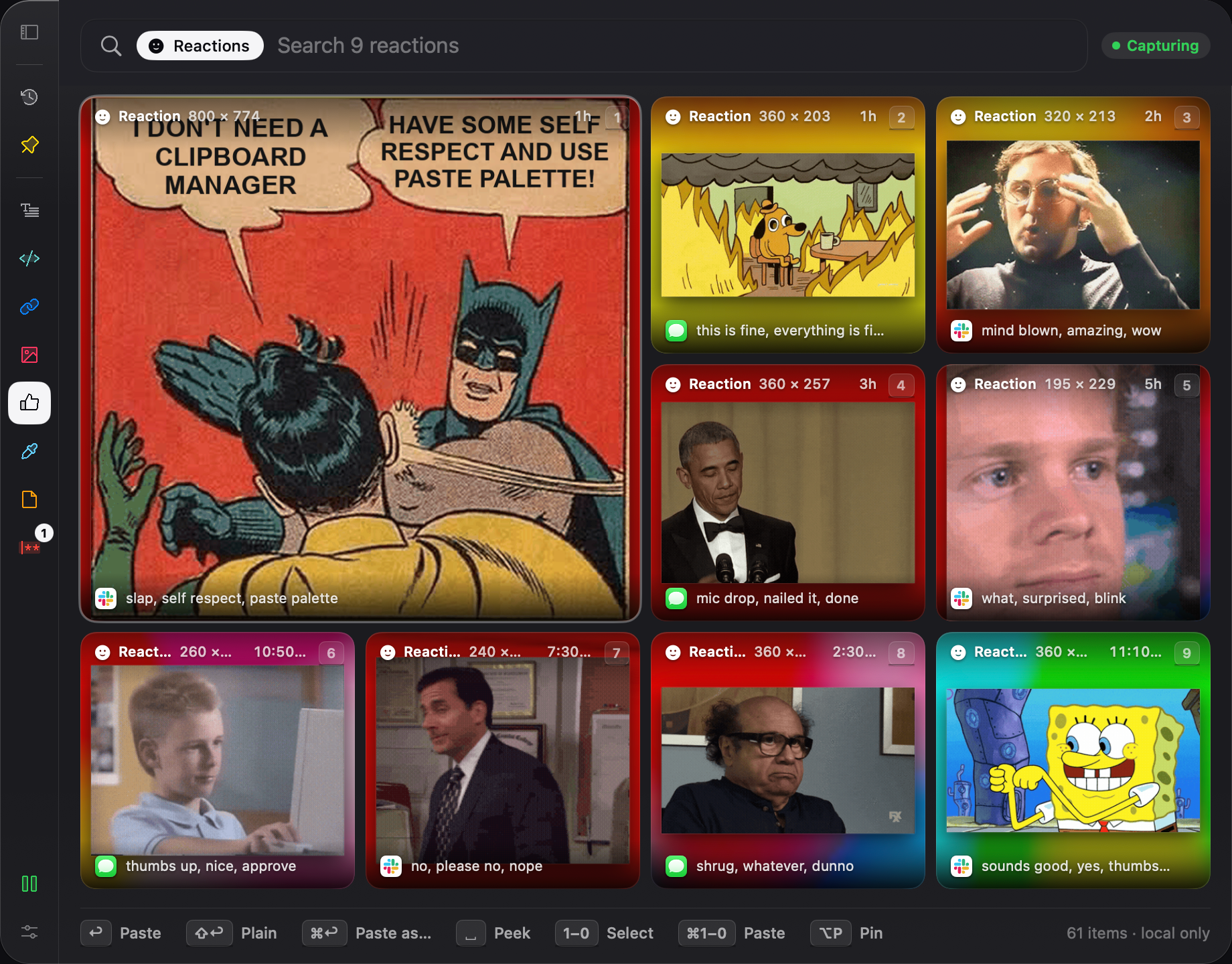
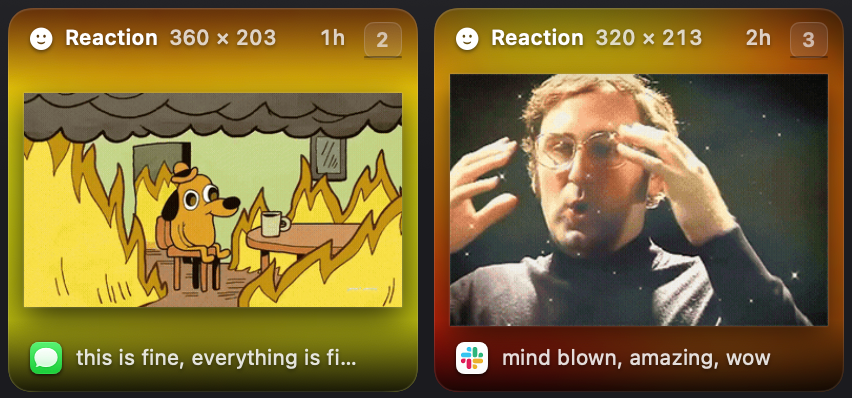
Store the ones you actually use, find them fast, and paste them when you’re messaging. No more searching through folders or camera rolls.
What people use it for.
Everyday copies that used to vanish.
- Messages the paragraph you almost had right from Mail or Slack

- Links the article you meant to send later from Safari

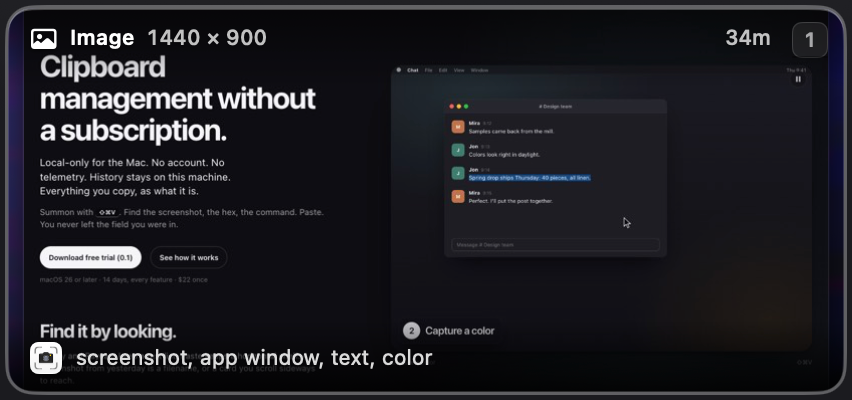
- Screenshots the error message or receipt from anywhere
- Colors a shade you liked from a design or a webpage
- Files the PDF you copied from a folder still findable
- Reactions the GIF that always works when you need it again
- Notes the address, the confirmation number without digging through chat

- Secrets kept blurred passwords skipped when marked
How easy is it, really?
- Install
Download the trial. Open it. That’s it — no account, no setup wizard that asks for your life story.
- Copy like you already do
Keep working normally. Paste Palette quietly remembers what you copy in the background.
C - Need something again
Instead of ⌘V, use ⇧⌘V to open Paste Palette, find it by looking, paste. You’re back in your app without a scavenger hunt.
V - Pin what matters
Keep the few things you reuse every day within easy reach. Everything else stays in history until you clear it.
Pier 7, Unit 3B Portland, OR 97209
Apple Intelligence tags it for you.
As you copy, Paste Palette quietly labels screenshots, notes, and links — right on your Mac. Later you can search for what’s in them, without filing anything yourself.
$22, once.
Not $30 a year. Not $8 a month. Try it free for two weeks, then pay once and you’re done.
What three years of “clipboard rent” costs
Fair warning: it doesn’t sync to your iPhone yet. If you need the same clipboard on your phone today, a syncing app is the better fit. If you want Mac-only without a subscription, this is built for you.
You might be wondering.
Is this hard to learn?
No. You keep copying the way you always have. When you need something again, open Paste Palette, pick it, paste. Most people are comfortable in a minute.
Will it save my passwords?
Not when your password manager marks them as private — those are skipped and never stored. Anything that still looks secret is blurred and left out of search until you choose to look.
Does my stuff leave my Mac?
No. There’s no account and no cloud clipboard. History stays on this computer. After you buy, the app checks your order number twice, and says which Mac is asking so a license can cover three of them — never anything you copied. More detail is on the privacy page.
Why does Mac ask about Accessibility?
So Paste Palette can paste for you into the app you’re already using. If you decline, you can still copy the item and paste it yourself.
Try it for two weeks.
You can start without an email. If it isn’t for you, your copies never left your Mac anyway.